A Simple Solution for
All Your PDF Needs
A fast and lightweight desktop application designed to help you view PDF files smoothly and convert them into editable Word documents in seconds.
Why Our PDF Tool Stands Out
Built specifically for desktop users, our application focuses on speed, simplicity, and productivity, without unnecessary complexity.

Fast & Lightweight
Open large PDF files instantly with smooth performance and minimal system usage. The optimized rendering engine handles 1,000+ page documents without breaking a sweat, all within an 80 MB footprint.

Multi-Tab Viewing
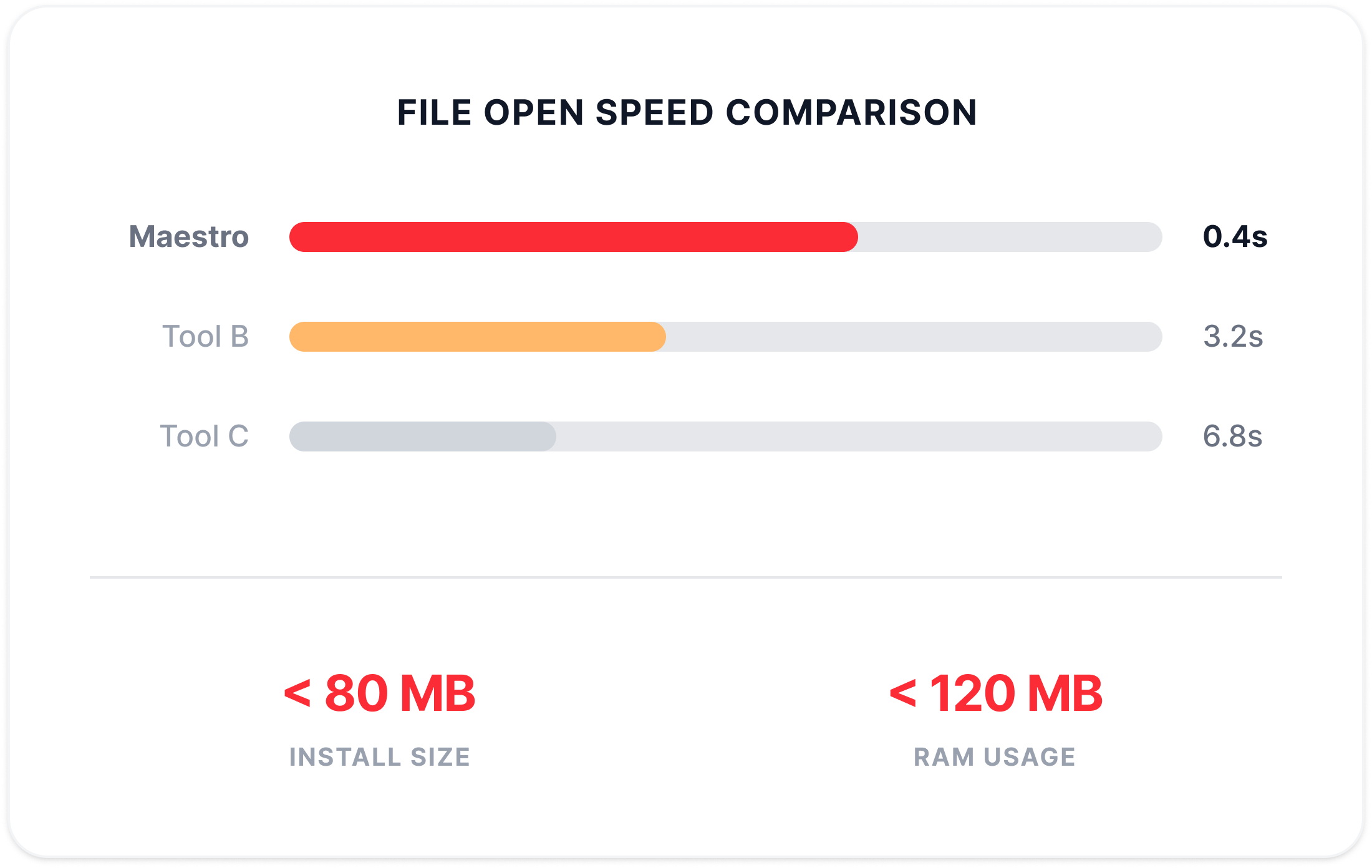
Open multiple PDF files simultaneously and switch between them with ease. Tabs make it simple to move between documents and keep your workflow organized.

Seamless File Conversion
Convert your PDF files into fully editable Word while maintaining layout and formatting. Built-in OCR supports 50+ languages for scanned documents.
Clean & User-Friendly Interface
Designed with simplicity in mind, the intuitive desktop layout makes it easy to open, view, and convert PDFs without a learning curve. Context-aware toolbars keep things tidy.
Blazing Speed,
Featherlight Footprints
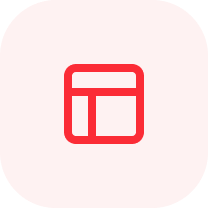
PDF Maestro's proprietary rendering engine processes content progressively, the first page appears in under a second, even on 500-page documents. Intelligent page caching keeps only what you're viewing in memory, dynamically freeing resources as you navigate.
- Unlimited tabs in a single window
- Full session persistence on relaunch
- Quick access & recent files

All Your Documents, One Window
Open unlimited PDFs in a familiar tabbed interface. The powerful split-view mode lets you compare documents side-by-side with independent or synchronized scrolling.
- Handles 1,800+ page documents without lag
- Under 80MB installation size
- Runs smoothly alongside resource-heavy apps
Simple, Focused PDF Tools
PDF Maestro is designed to keep things straightforward so you can focus on your documents. The clean workspace gives your PDF more room on screen, while essential tools remain easy to access when you need them.
- Easy PDF to tabbed conversion
- Quick file open and navigation
- Clean and distraction-free interface
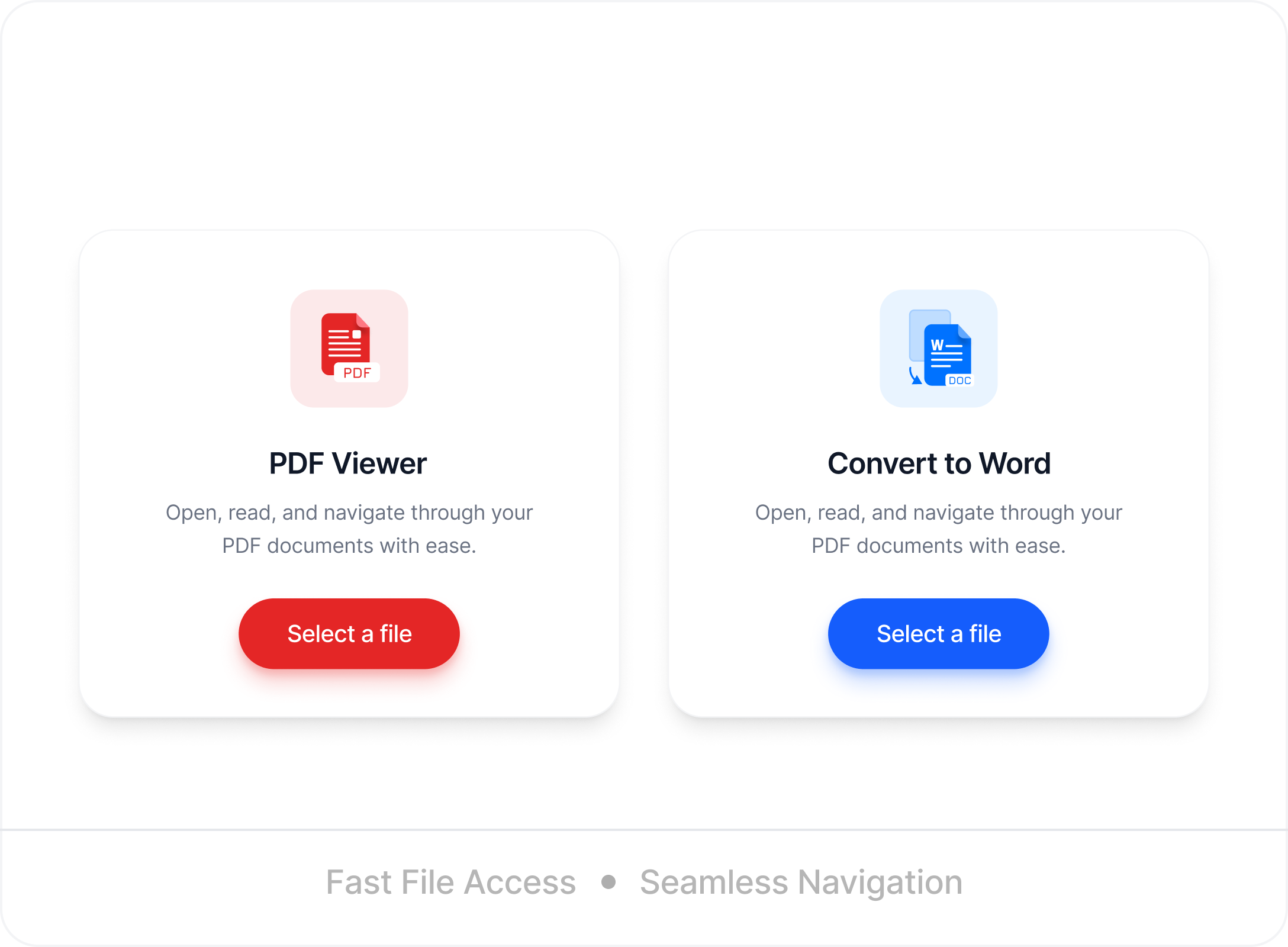
See PDF Maestro in Action
Two powerful tools designed to make your workflow faster and easier.
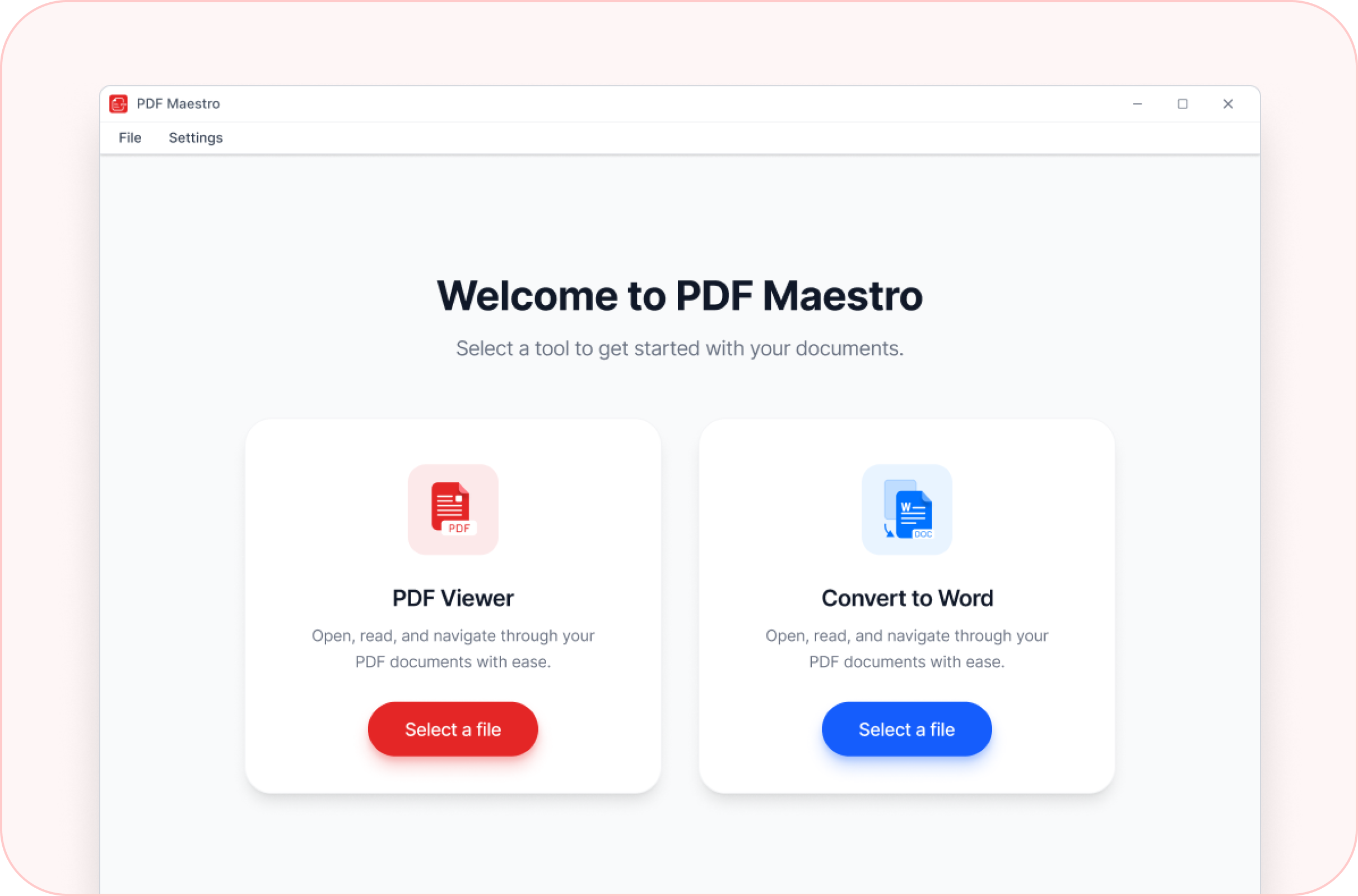
PDF Viewer
Open, and read PDF with a clean desktop interface. Navigate pages easily, zoom in or out, and use tab-based viewing to handle multiple documents efficiently.
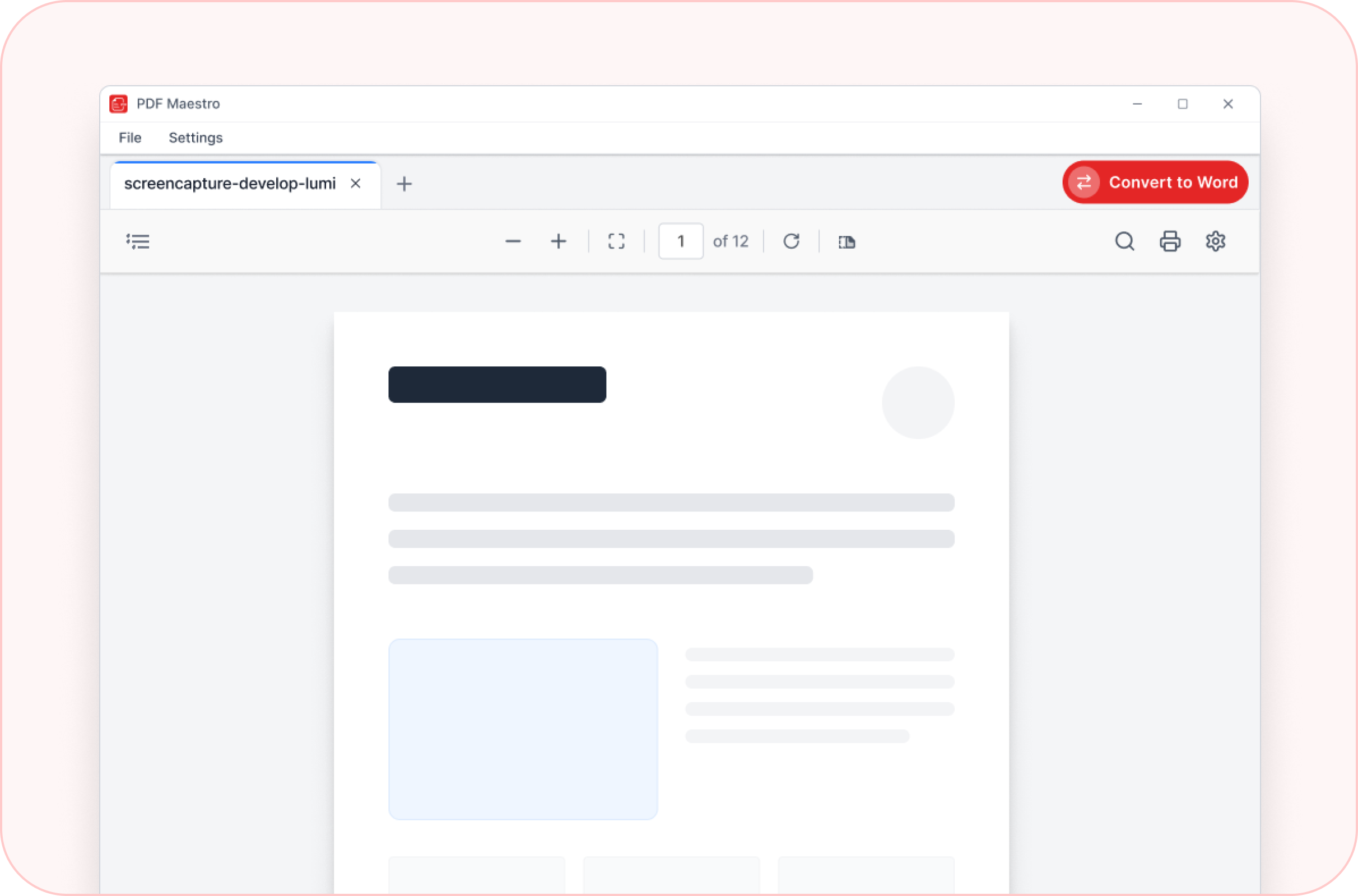
Convert PDF to Word
Transform your PDF documents into fully editable Word files in just a few clicks. Maintain structure, text alignment, and document formatting for seamless editing.
Ready to Upgrade Your PDF Experience?
Download PDF Maestro for Windows today and start capturing ideas the smart way.
PDF Maestro
Download PDF Maestro for Windows today and start managing your documents the smarter way.
File size: ~25MB | Instant setup
Get in Touch
Have questions or feedback? We'd love to hear from you.